I’ve been building landing pages on Instapage for my Shopify-focused store, and while I love their layout editor, the built-in popup tool feels really limited.
No advanced targeting, weak A/B testing, and only “on-click” triggers??  Not ideal.
So I started looking into Instapage popup alternatives that would give me more control—like teaser popups, scroll-based triggers, and multi-platform support. Anyone here using third-party tools like Popupsmart or Poptin for Instapage popups?
Would love to hear what worked best for you and how to integrate it properly.
How to Create a Instapage Popup with Popupsmart?
By following these steps, you can create an Instapage popup with Popupsmart quickly:
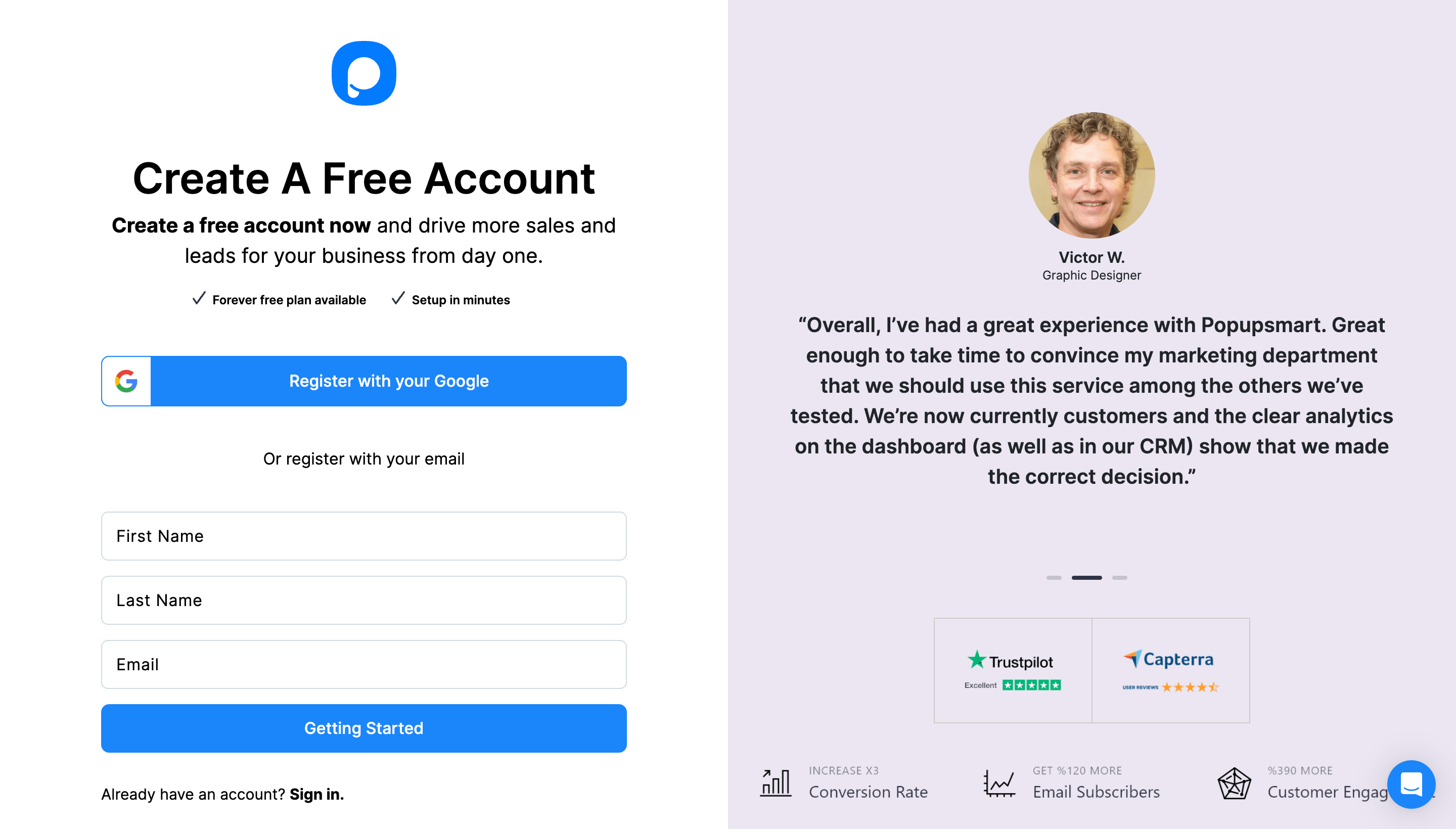
1. Create a Popupsmart account and sign in.
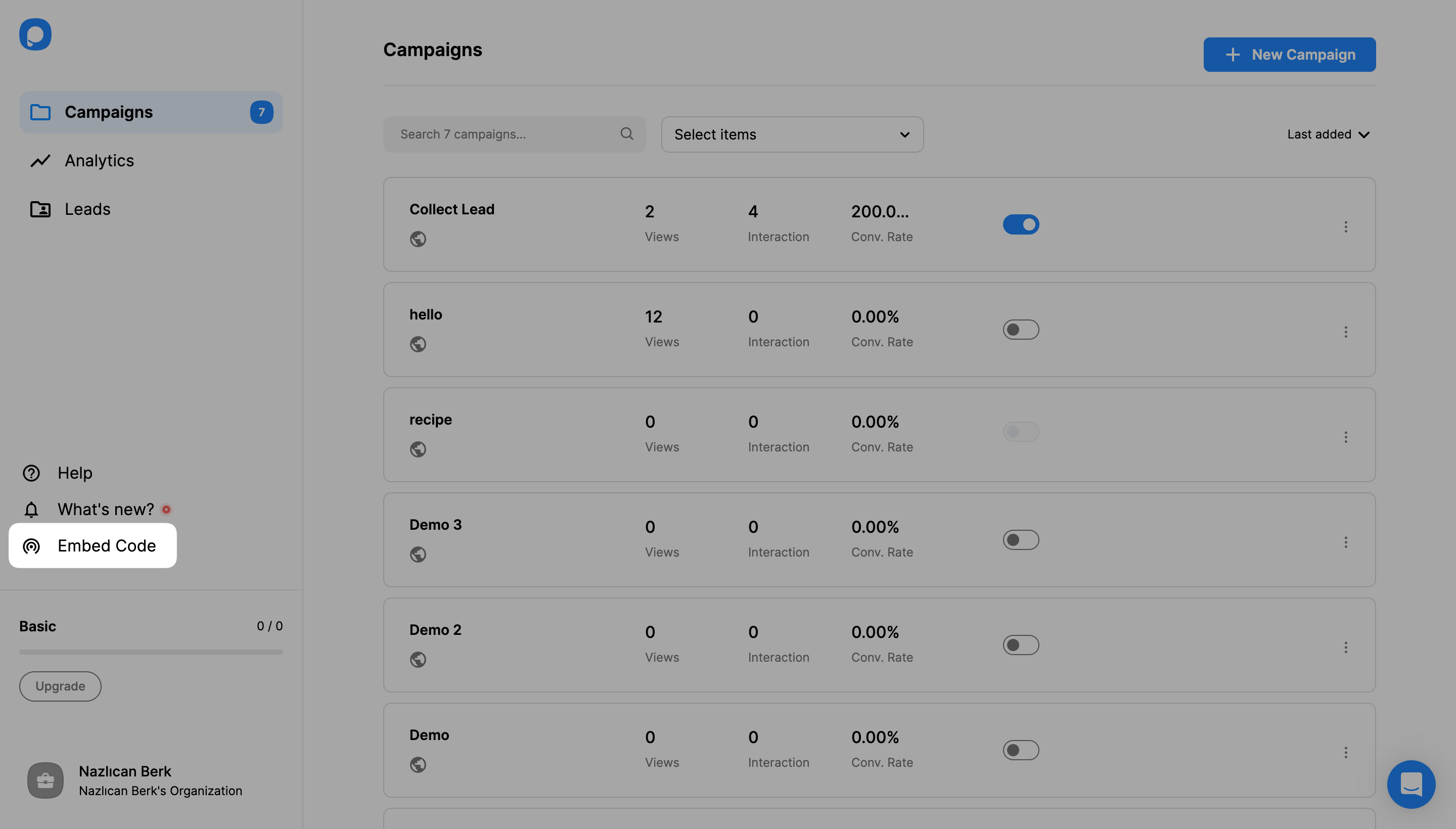
2. To obtain your unique embed code, click the “Embed Code.”
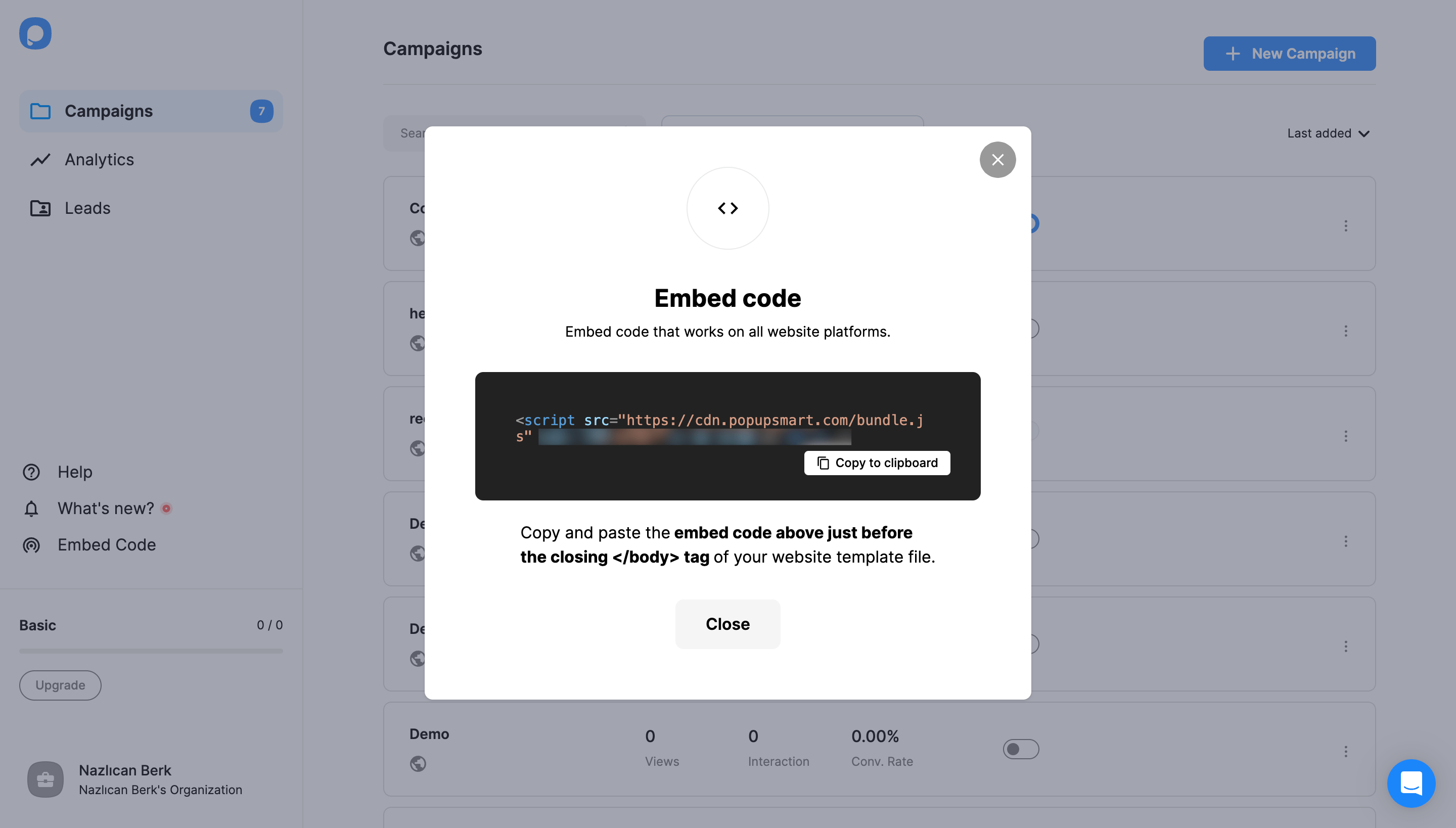
3. The Popupsmart embed code will be displayed in a modal. Copy your embed code to the clipboard.
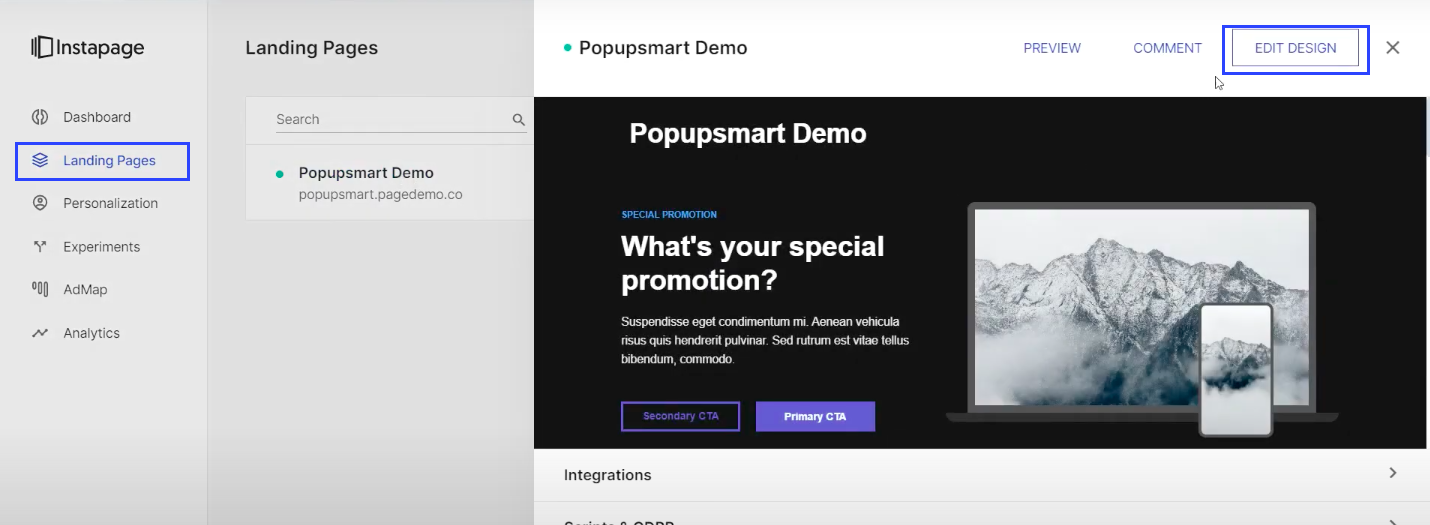
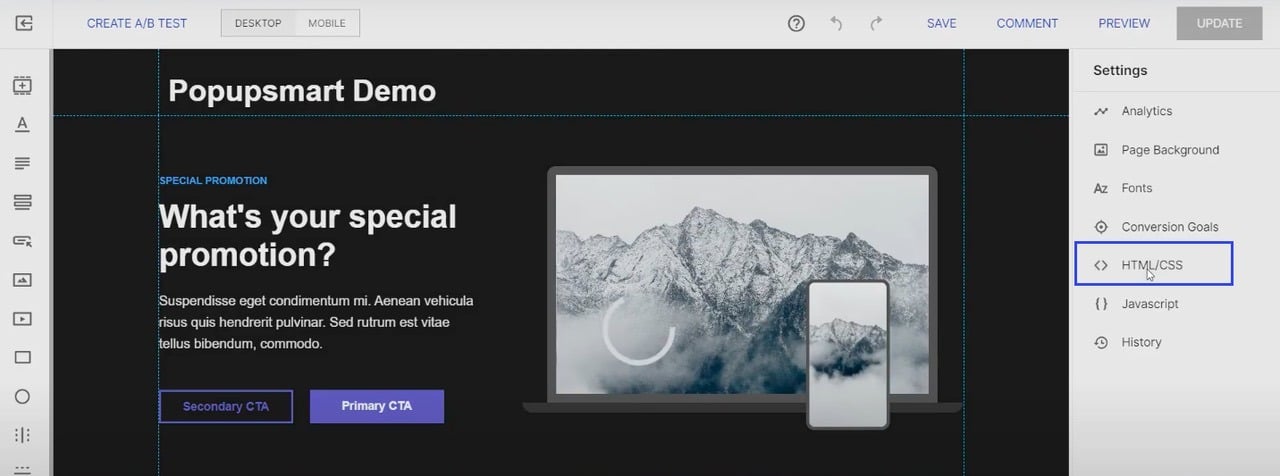
4. Go to your Instapage website from the “Landing Pages” section and click on the “Edit Design” part.
5. From the “Settings” section, select “HTML/CSS.”
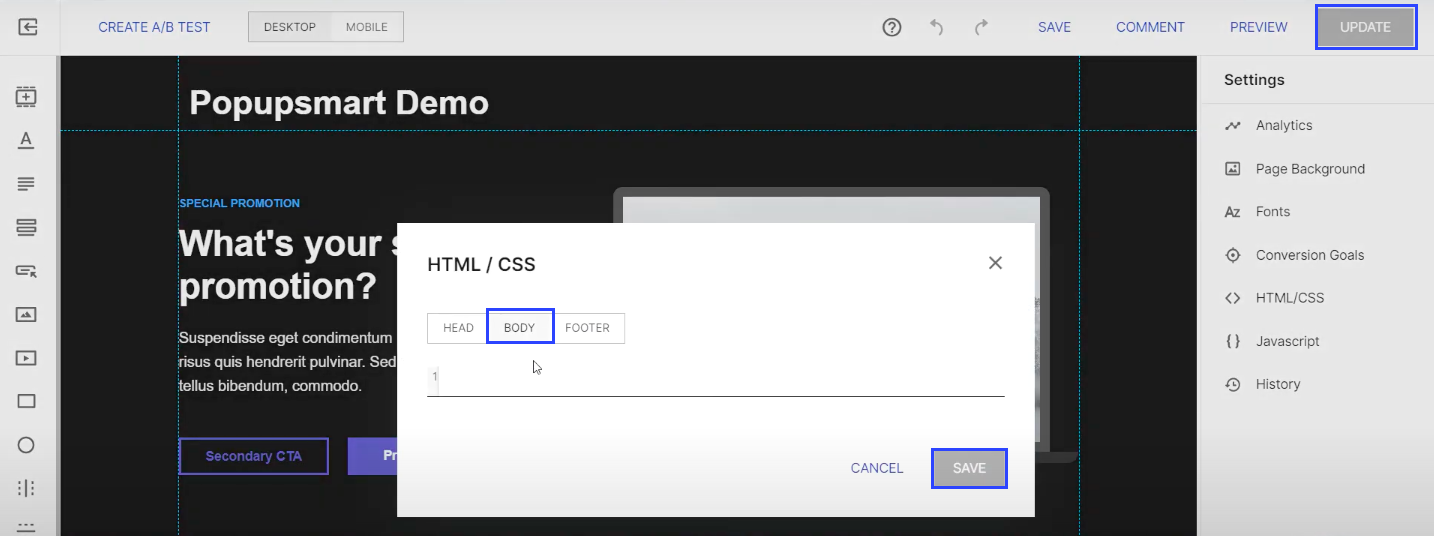
6. Paste your embed code to the “Body” part and click on the “Save” and “Update” buttons.
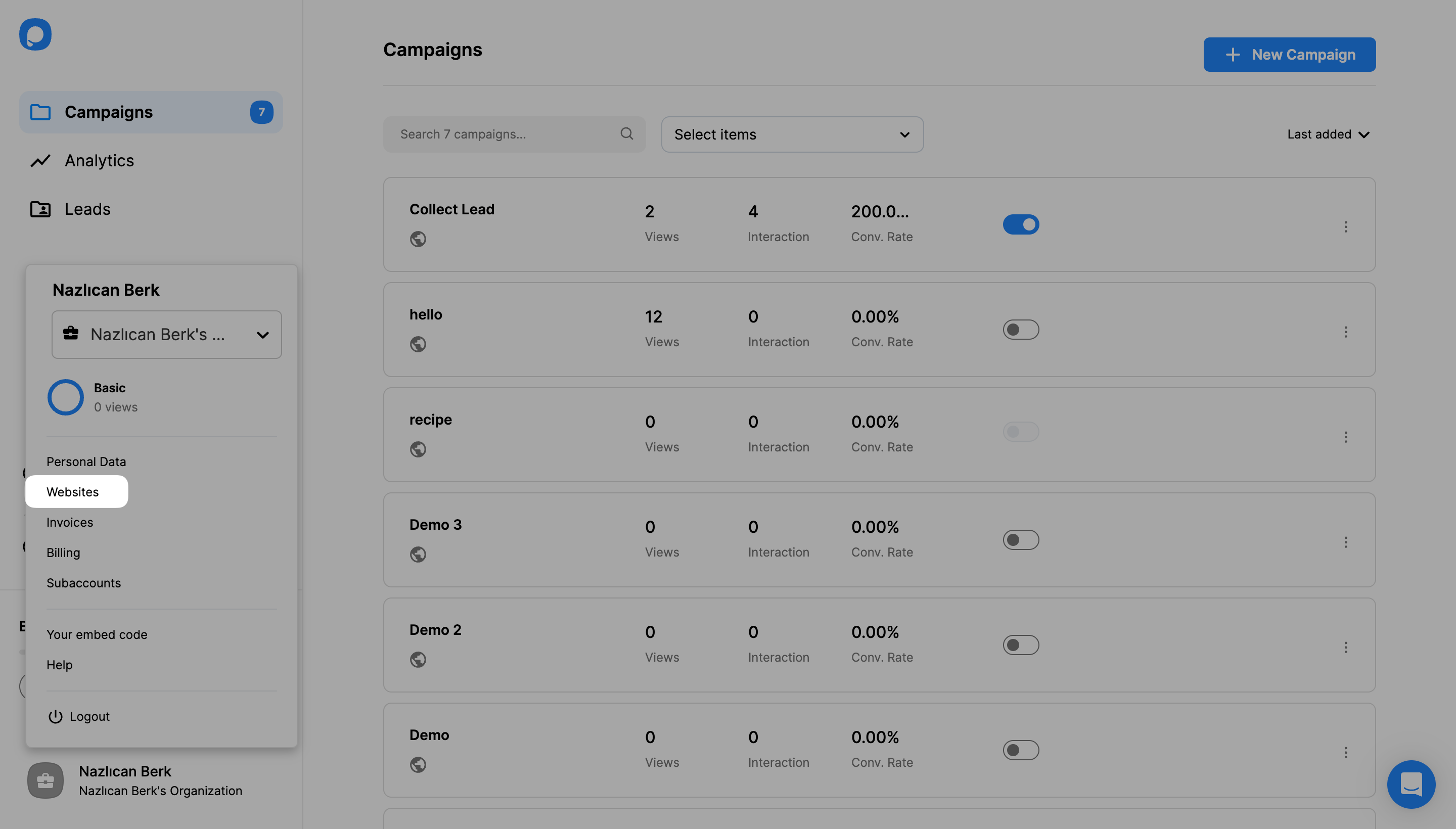
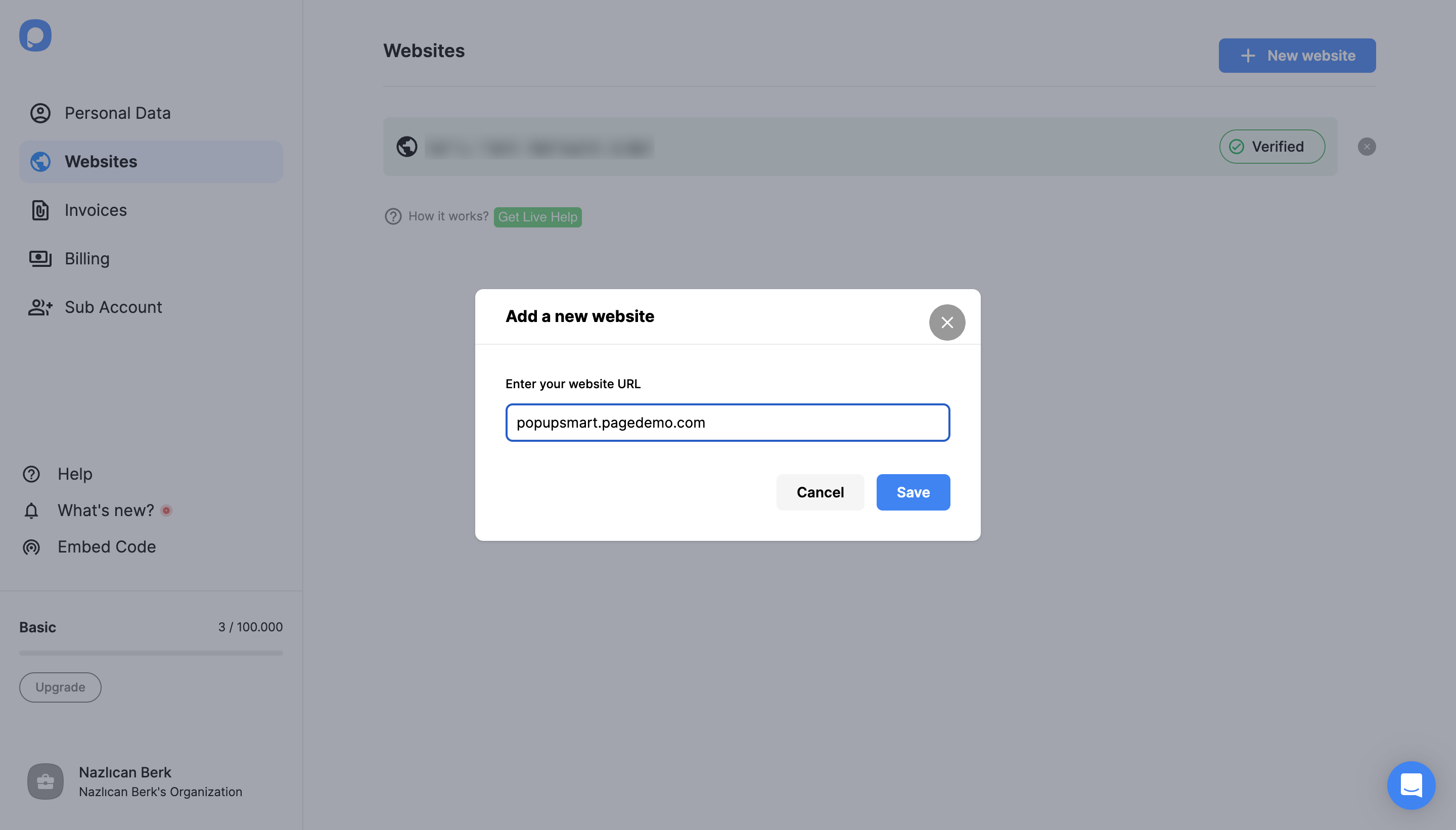
7. Next, go to your Popupsmart dashboard and click the “Websites” part under your profile.
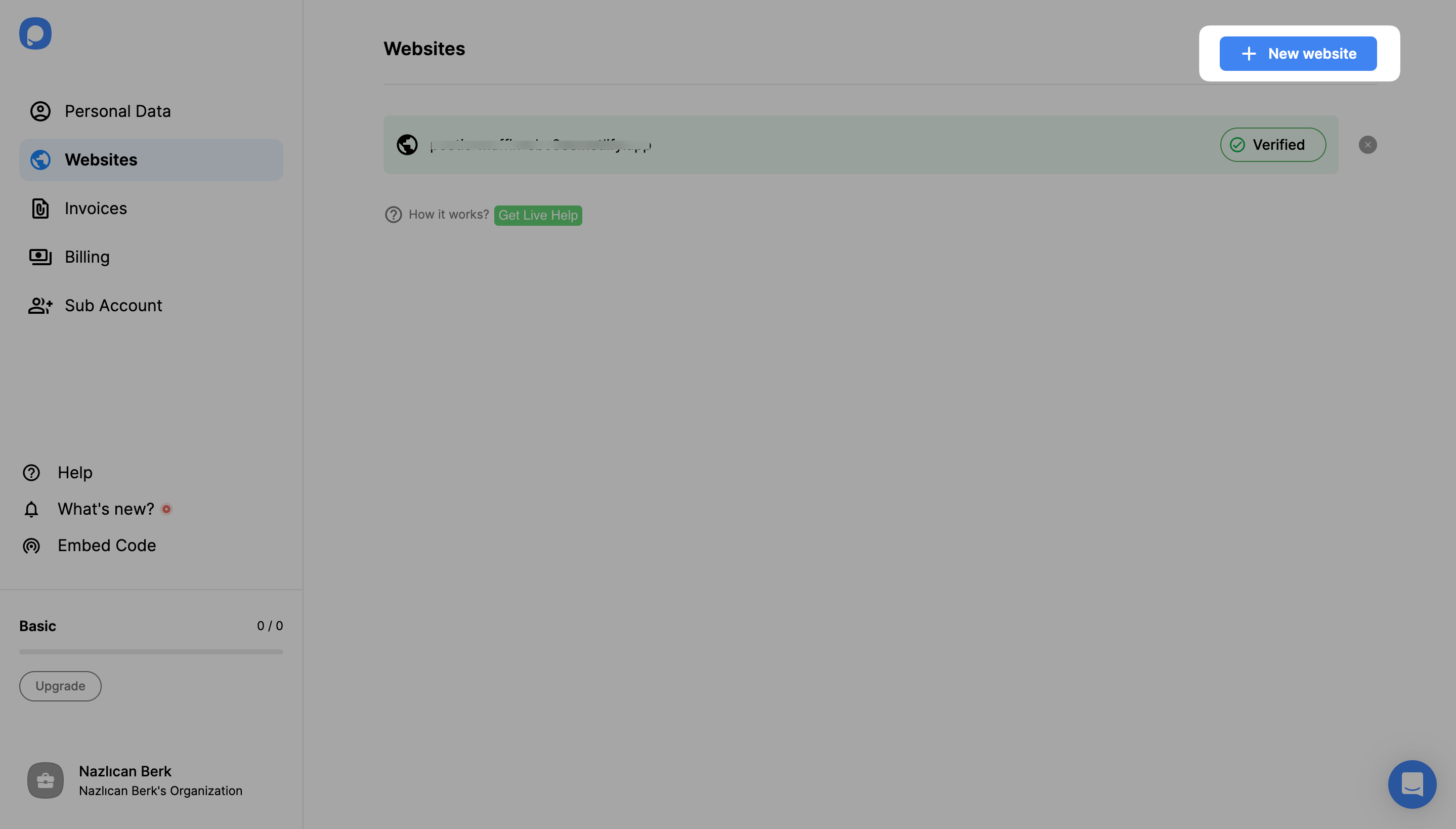
8. To add your Instapage website, click the “New website” button.
9. Enter your Instapage website in the “Add a new website” section, then click “Save.”
For further details about the verification of your website, see How to Verify Your Website.
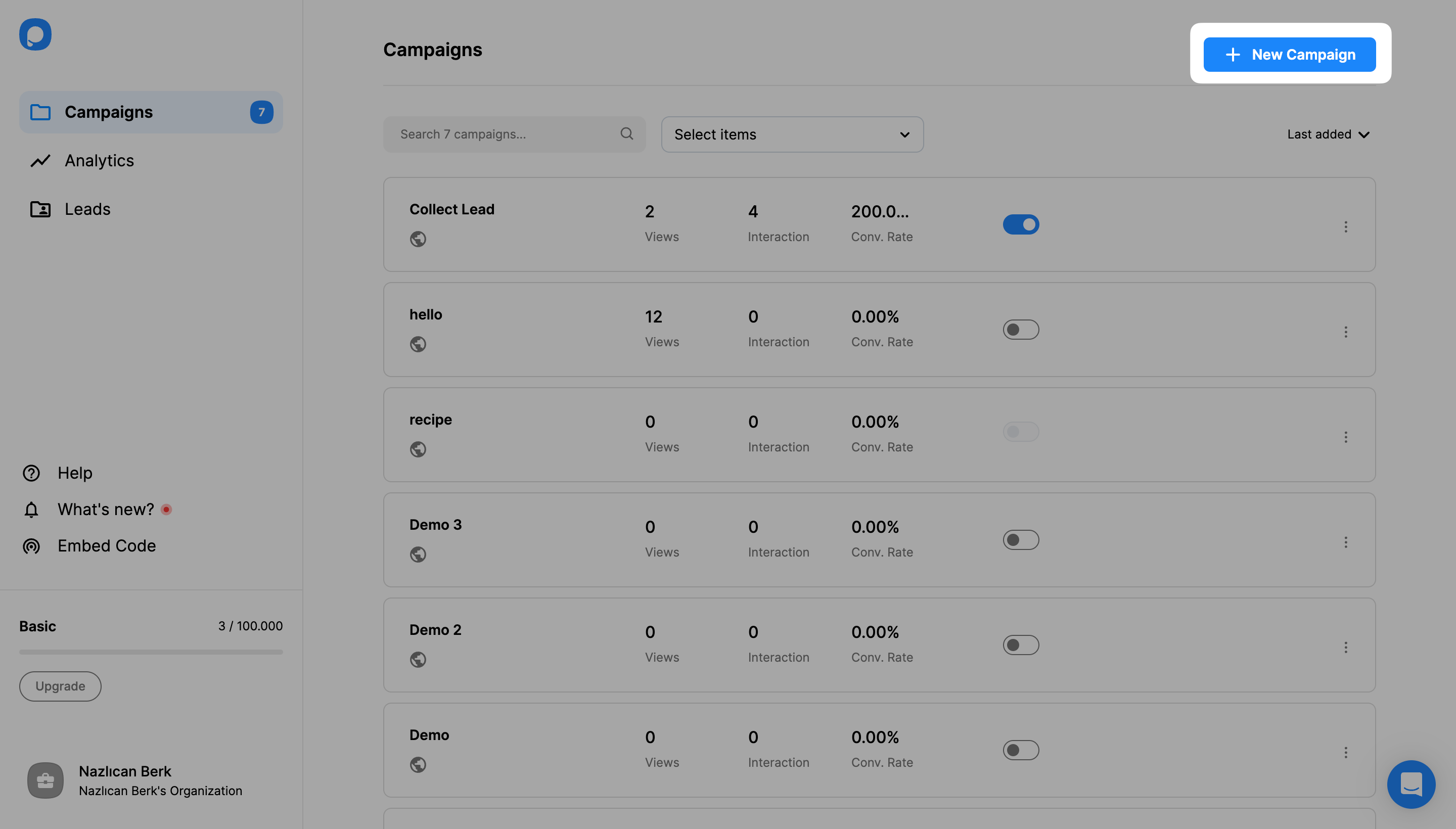
10. To create a popup campaign, go to your dashboard and click the “New Campaign” button.
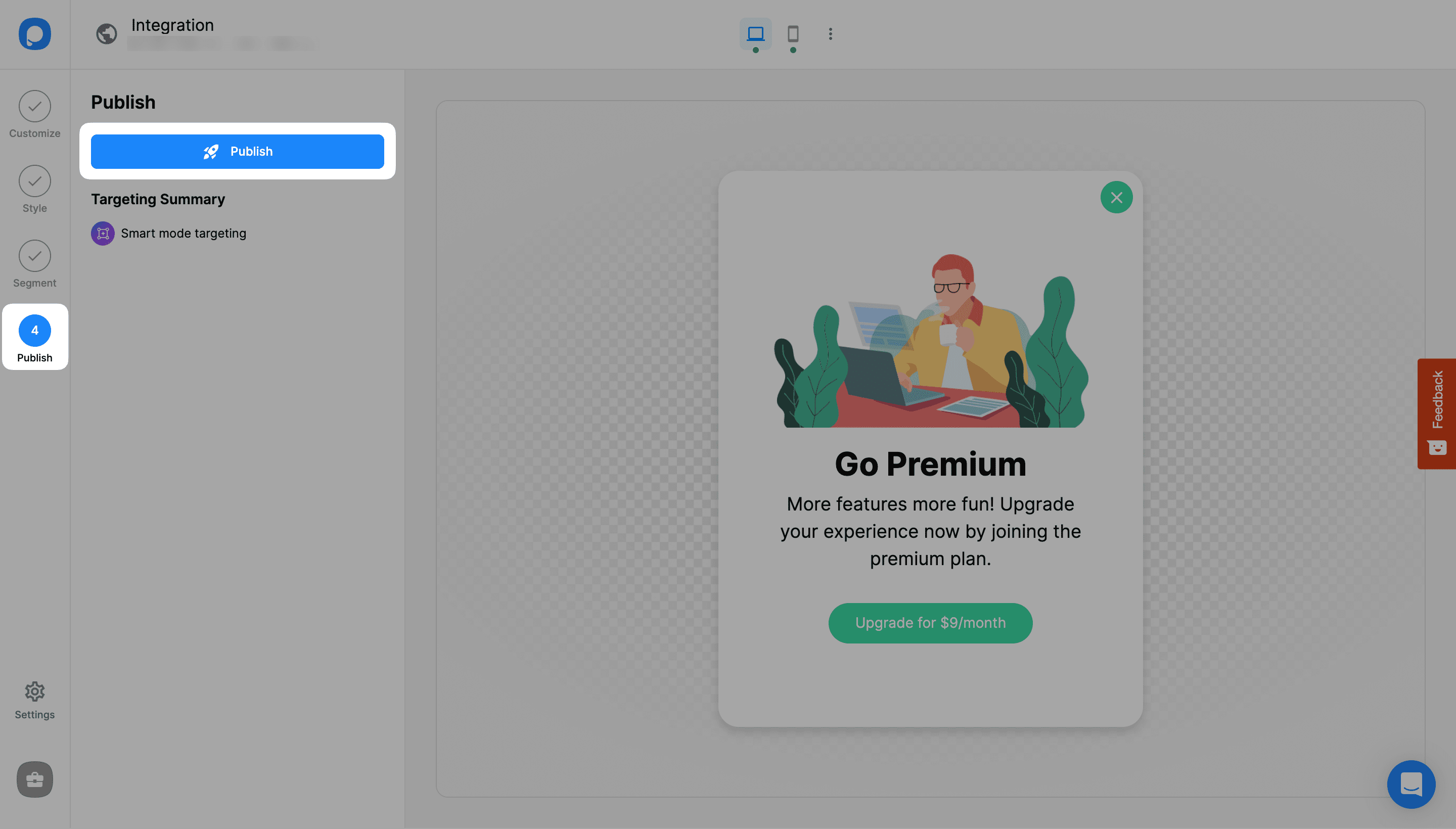
11. Create your popup campaign and adjust it, considering your needs. Then, click the “Publish” button on the left-hand panel when done.
12. Then, you will see a modal that says “Successfully Published.”
Thanks so much for all the replies, everyone — seriously appreciate the insights! 
I didn’t realize how many people were running into the same limitations with Instapage’s built-in popups. The points about targeting depth, real A/B testing, and cross-platform flexibility were super helpful. I also didn’t know how easy it actually is to plug in a third-party tool and still keep everything looking native on the landing page.
Sounds like Popupsmart is the go-to for people who want more control (especially with scroll/triggers and teasers), and Poptin seems to come up mainly for quick setups.
Really helpful thread — learned a lot from your experiences!